Capstone: Helping seniors with technology troubles
During the final year of my bachelor I took on a year-long capstone project that meant a lot to me. I chose to work with seniors and older adults that face a variety of issues when using technology and worked to find a solution for these issues. Introducing TechRescue.
This was my process
-
![]()
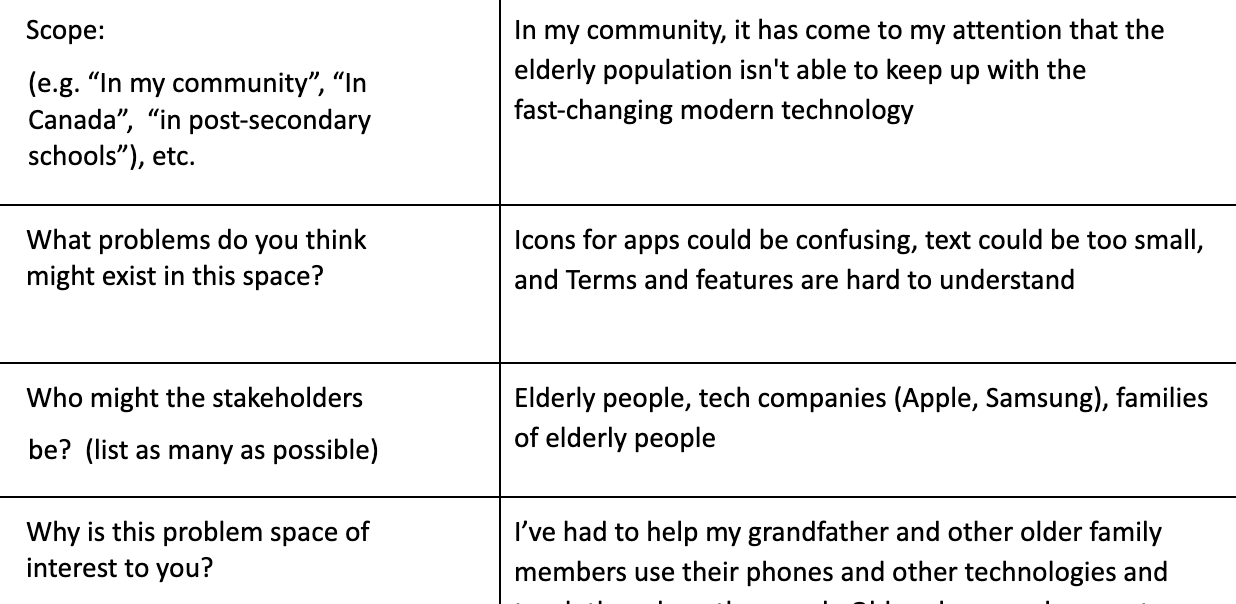
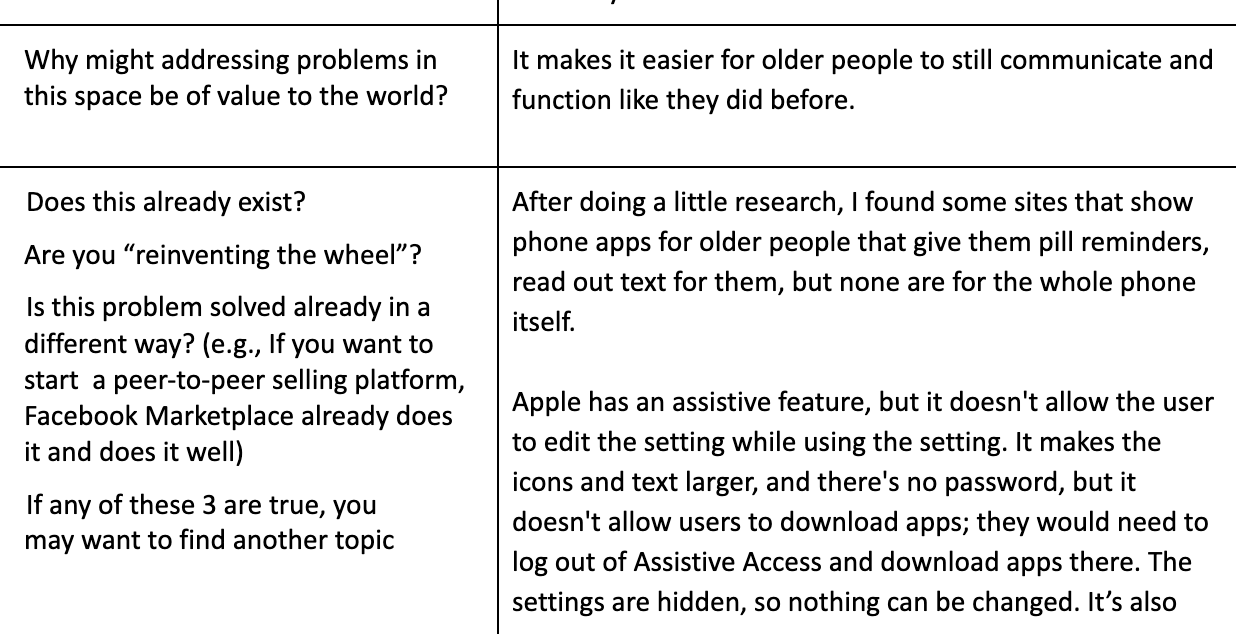
Choosing and defining my topic
I first had to conduct research to determine if a similar product had already been developed, and I had to justify whether this project would be worth pursuing. After seeing how there weren’t many resources out there to assist, I knew this was the topic I wanted to pursue.
-
![]()
Researching my Topic
When learning more about my topic, I looked at many academic papers that have been published on my topic. Looking at the documented and studied struggles that seniors and older adults. That helped me form the questions I was going to ask my research participants.
-
![]()
Interviews
The next step in my project was to do research of my own; for me, that meant talking to seniors and asking them about how they use technology and what struggles they encounter. I conducted ‘ethnographic‘ interviews so I could watch them navigate their own devices. From what I witnessed, I was able to identify three main problems to help solve.
-
![]()
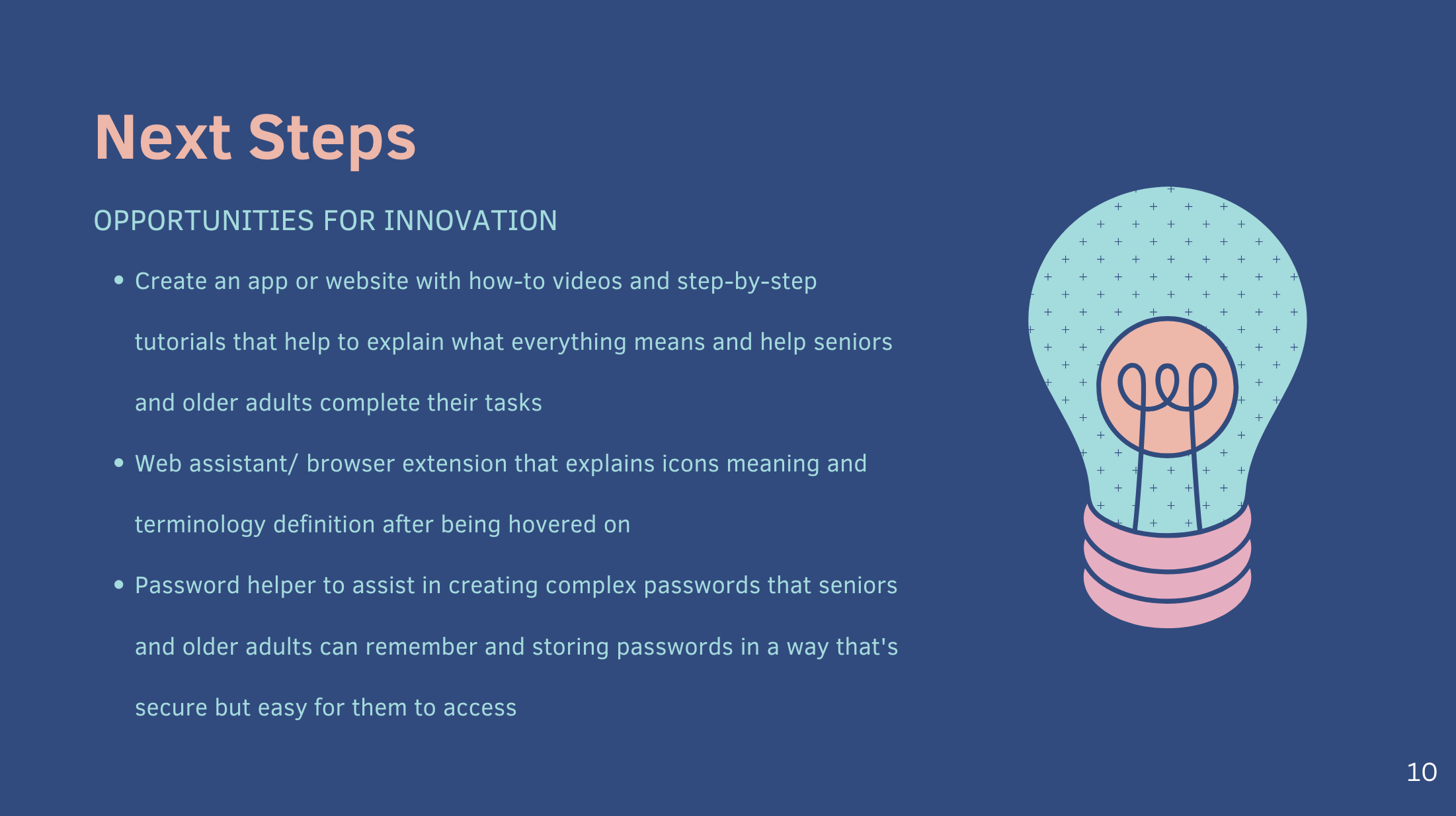
Brainstorming
After identifying the three main problems, I presented them to my classmates so they could help me brainstorm potential solutions. There were many ideas mentioned, such as apps, browser extensions, classes/workshops. I took my favourites of these ideas —theres where I landed on creating a website.
-
![]()
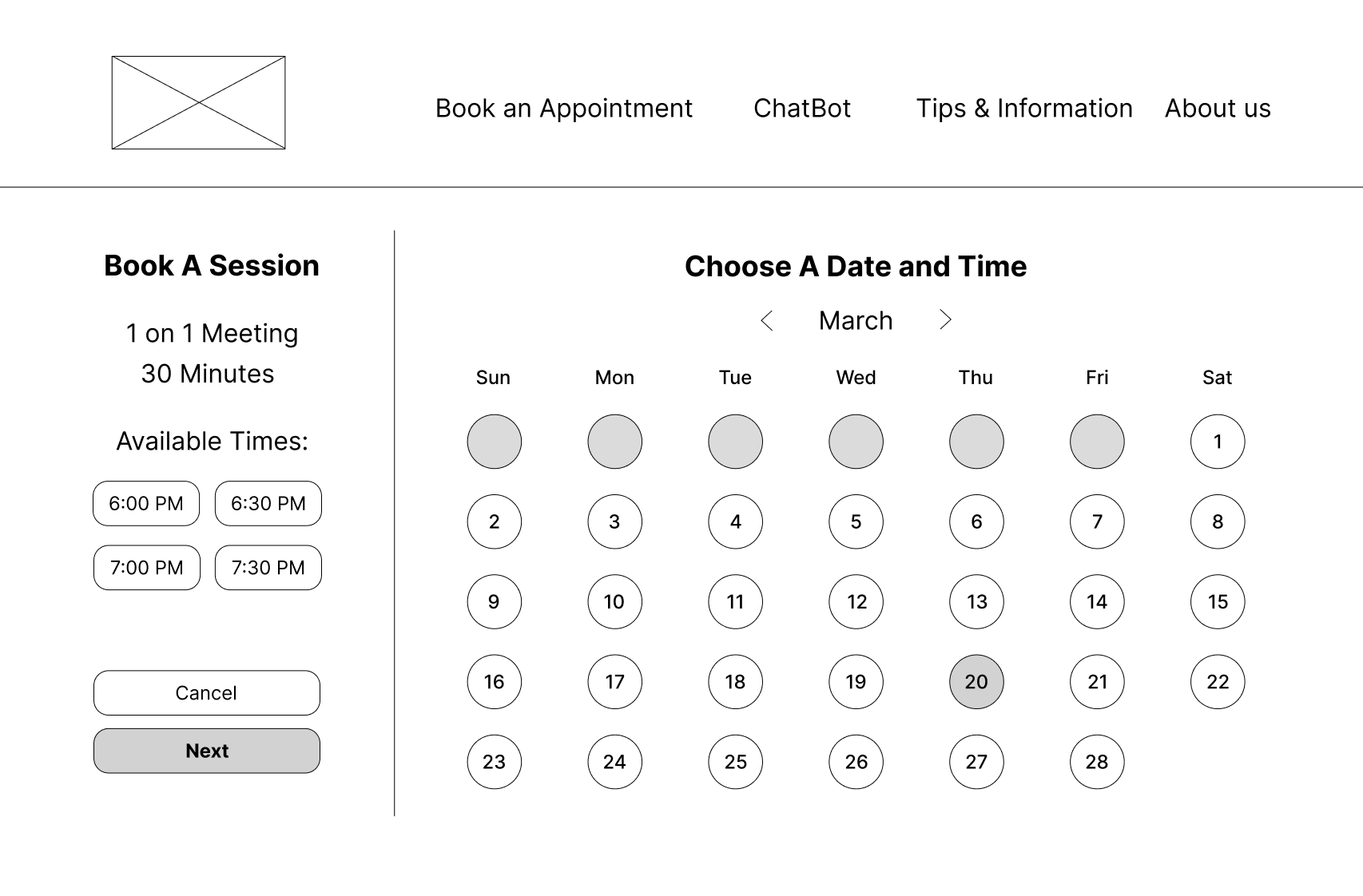
Finalizing my solution
After discussing my ideas with my professors I was able to finalize and put all my ideas into one website. The main feature to the website would be a appointment booking portal to pair seniors with college IT students who can help them. A second feature is an AI chatbot that can help seniors with problems if a student isn’t available.
-
![]()
Wireframing and usability testing
From there, I had to create my first draft of wireframes to be tested, and after receiving feedback, I edited them and conducted usability tests with the seniors I interviewed earlier in the project. I made corrections based on my findings, then moved on to the visual aspect of the project.
-
![]()
Moodboards, style tiles & creative strategy
Once the wireframing stage was done, I focused on making the creative strategy. I wanted a welcoming and clean look to the website, so I landed on a mostly white with pops of orange and blue for my colour scheme to keep the visuals not overwhelming but still nice to look at. After discussing with my classmates, they all agreed that it was the right direction and I should continue with the next steps of the project.
-
![]()
Thesis Defence Presentation
The ending of the project meant I had to present the process and results of this project to my classmates, professors, alumni, and any guests who were invited to attend. Once I finished the was a short period of time for those watching to ask questions about the project and the results.